ASCAND 3D Scanning – turn real objects into digital starting points
Capture suitable real-world objects with your smartphone and ASCAND, then process the recording online into downloadable 3D models for learning, editing and 3d-printing.

No dedicated camera required
No expensive workstation. One Workflow. Endless Possibilities.
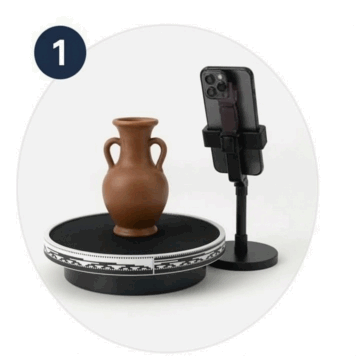
Record
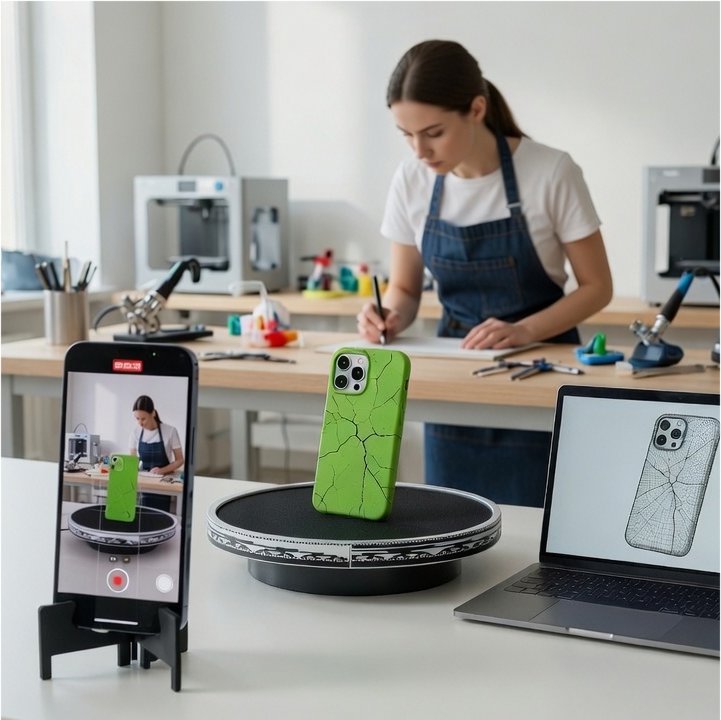
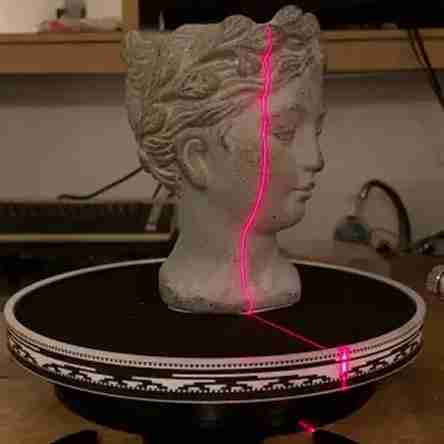
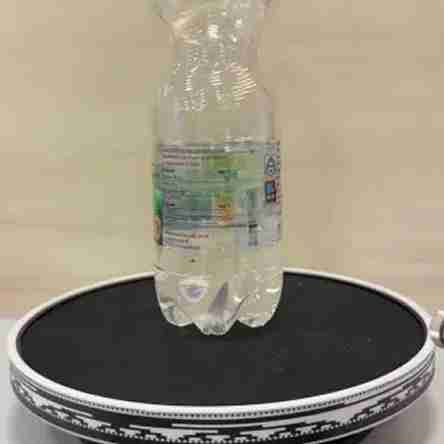
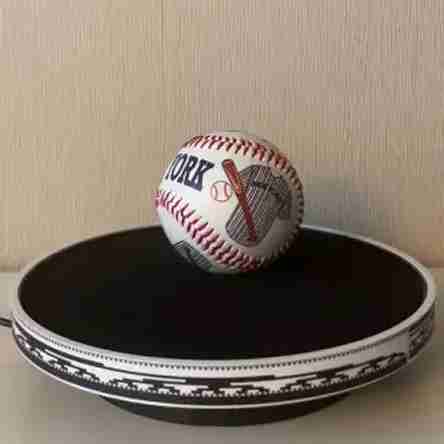
Place your object on the ASCAND turntable and record a short video
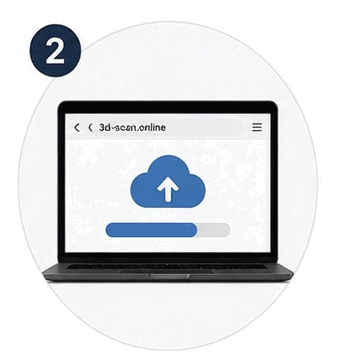
Upload
Upload your video to my.3d-scan.online directly from your browser
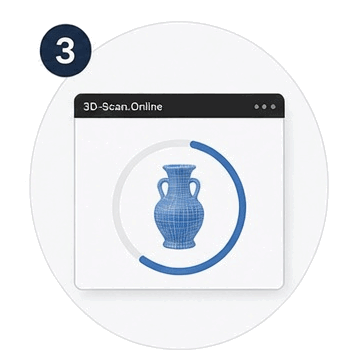
Process
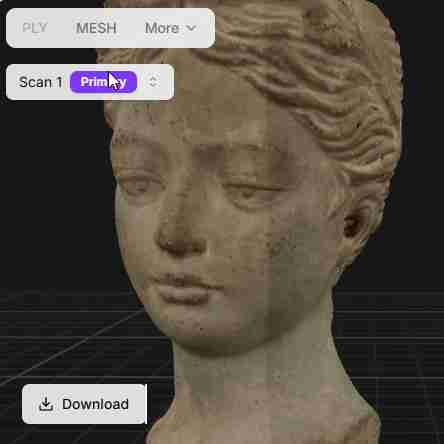
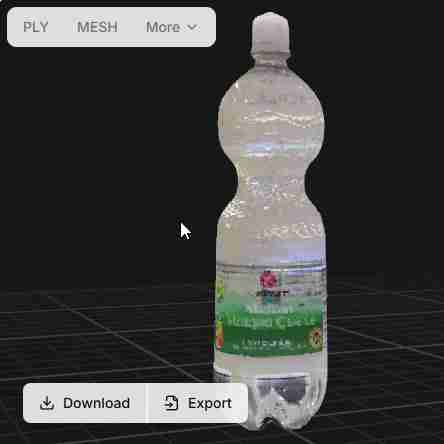
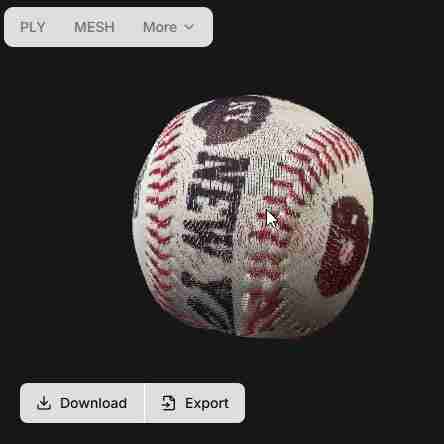
Our cloud-based technology processes your video into a detailed 3D model
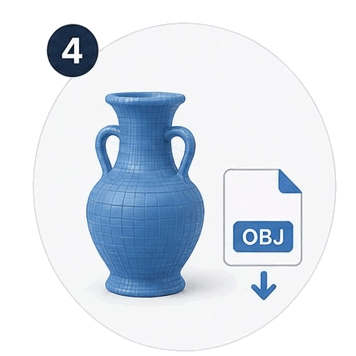
Download
Download your 3D model in your preferred format and start creating.
Who Is It For?
Makers
Capture a physical object as a digital reference, inspect its form and continue in your preferred 3D tools.
ASCAND gives makers an approachable starting point for modification, repair exploration and possible 3D printing—while leaving room for the measurement, CAD work and tolerances functional projects may require.
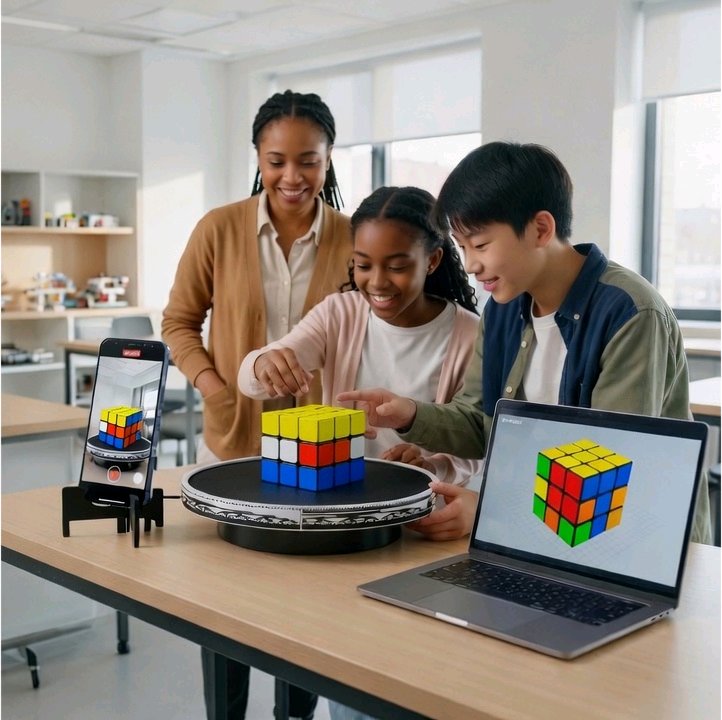
Educators
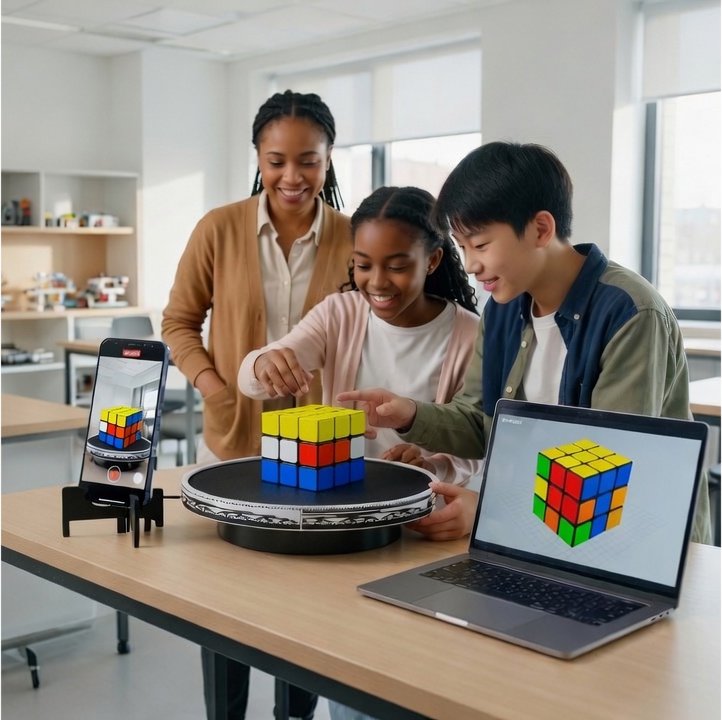
ASCAND turns 3D scanning into an observable, hands-on sequence.
Learners can prepare an object, record the capture, compare results and improve the setup themselves.
That makes geometry, light, computing and engineering constraints part of an active inquiry rather than a distant demonstration.
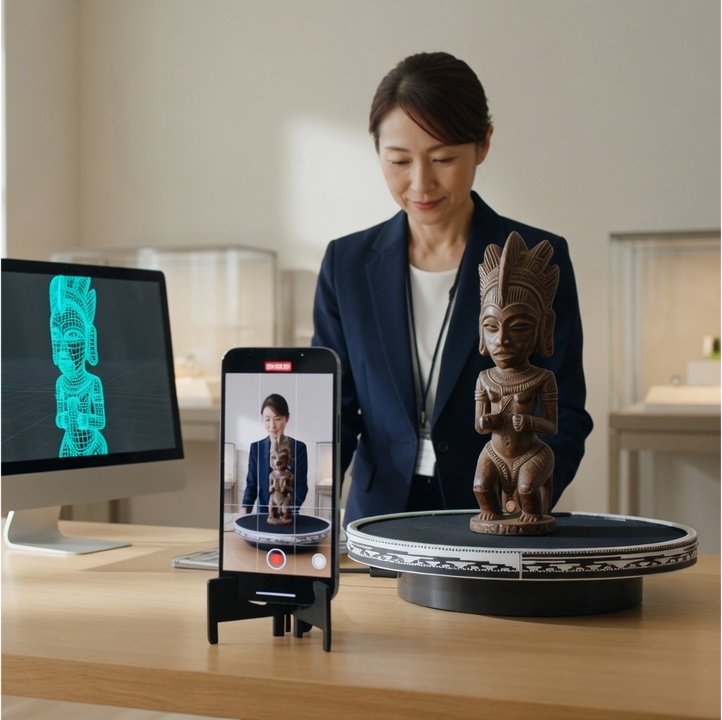
Museums
With locally approved objects or replicas, museums can use the physical-to-digital workflow to support facilitated observation, experimentation and discussion.
ASCAND is positioned here as an engagement and informal STEM-learning tool—not as a replacement for conservation, archival or metrology systems.
Much More Than a 3D Scanner
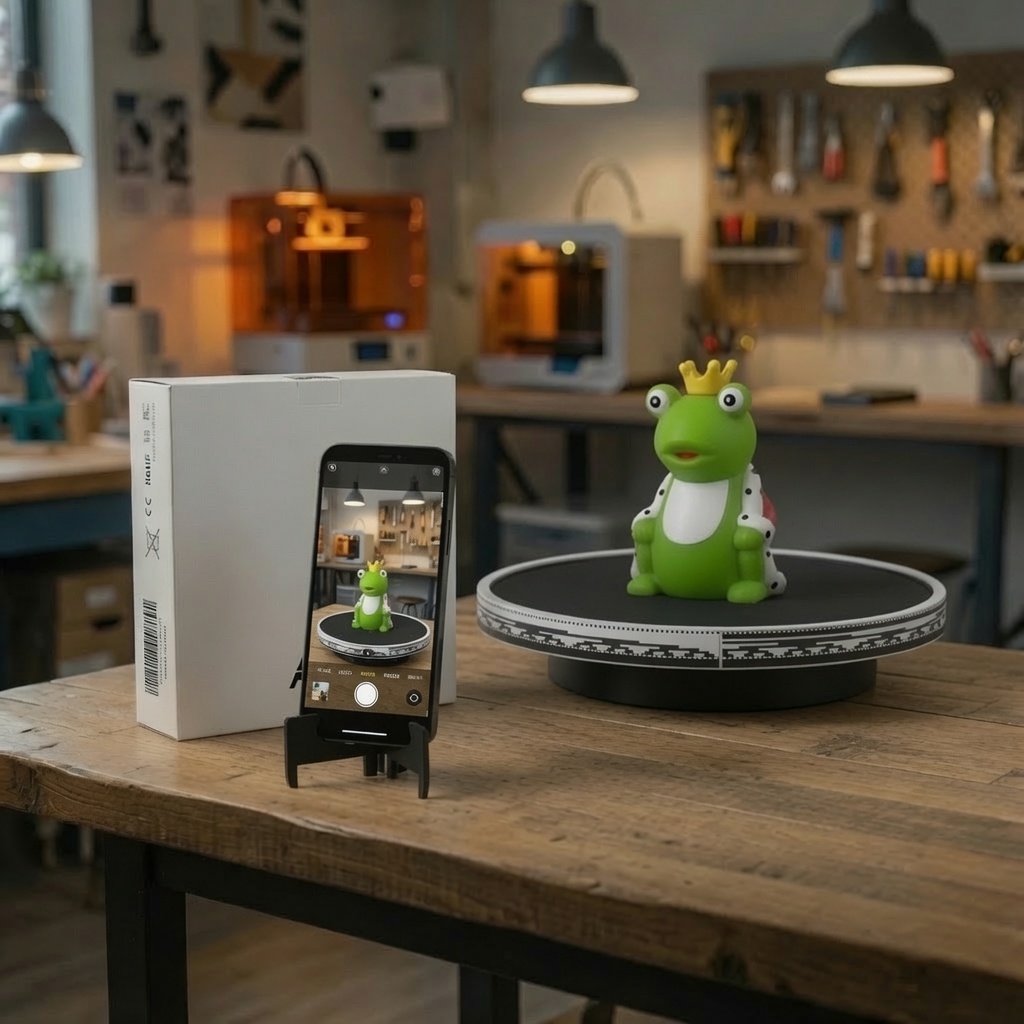
ASCAND Capture Hardware
creates the controlled relationship between smartphone, object and coded turntable.
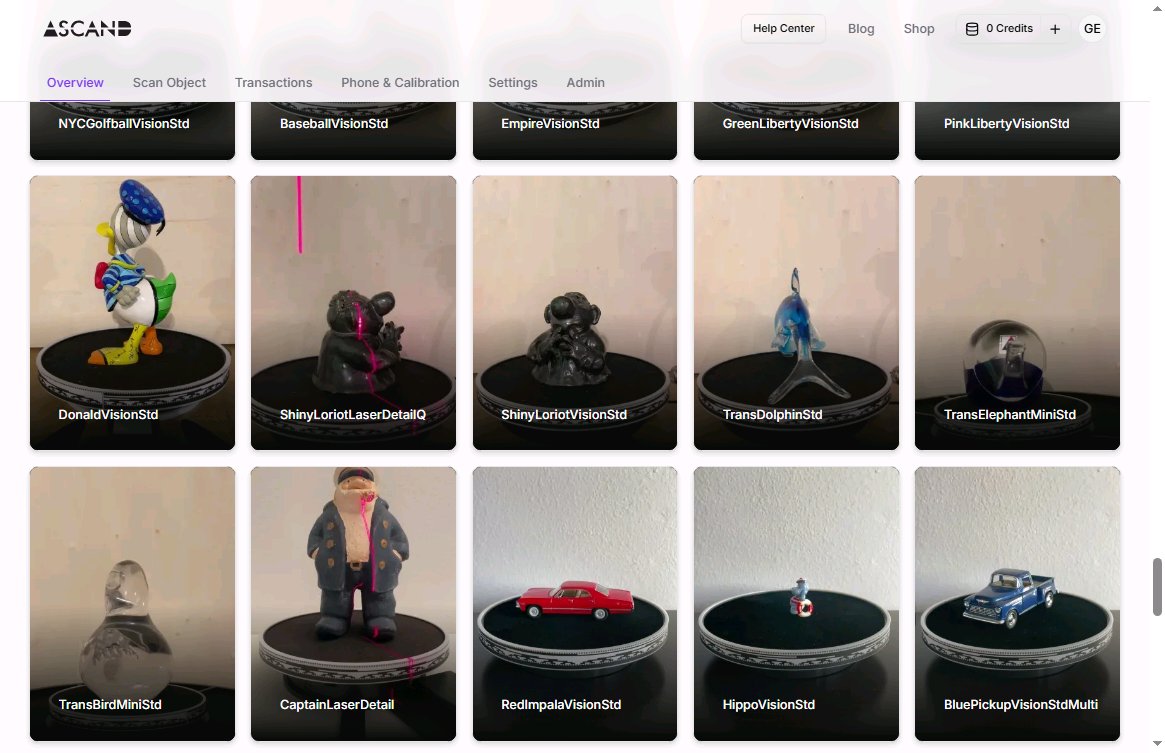
3D-Scan.Online
provides browser-based project upload, processing, review and downloadable results.
Free tools and the Knowledge Center
help users understand 3D data, explore related workflows and make better capture decisions.
Why Makers Choose ASCAND
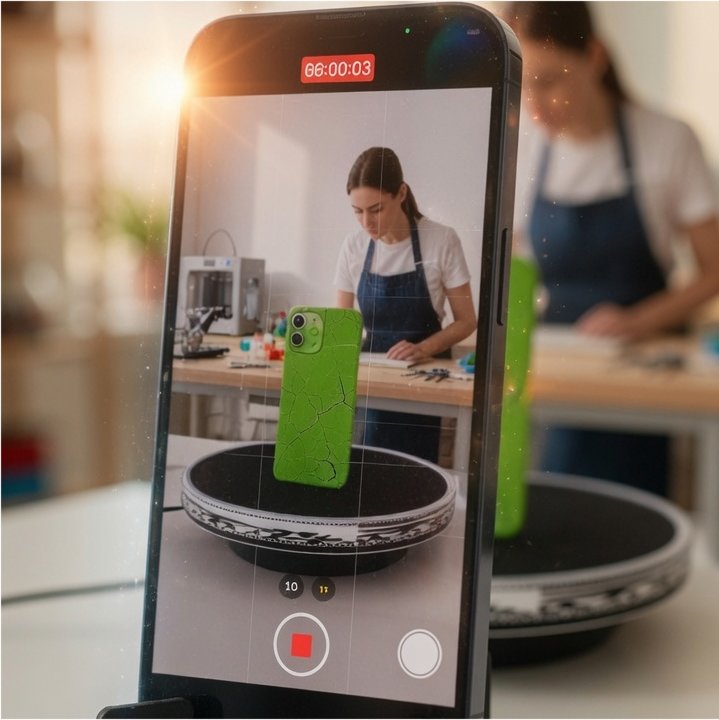
Uses Your Smartphone
No dedicated camera required.
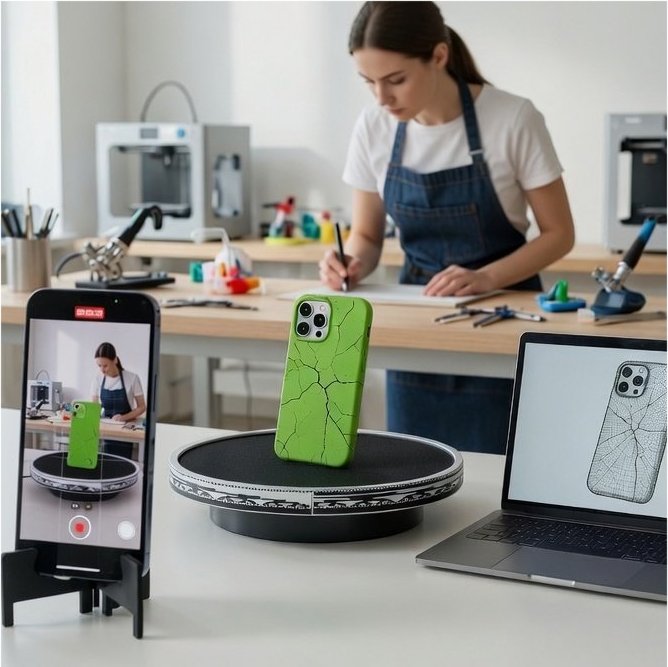
Structured Capture
The camera stays still while the object rotates, making the workflow easy to learn and repeat.
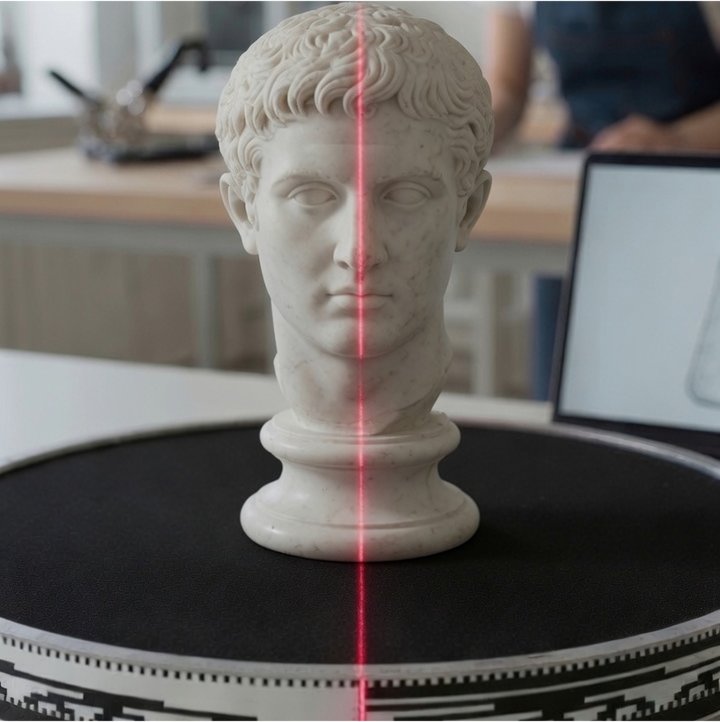
Expandable
Start with Vision scanning.
Add Laser, Macro or larger turntables when your projects grow.
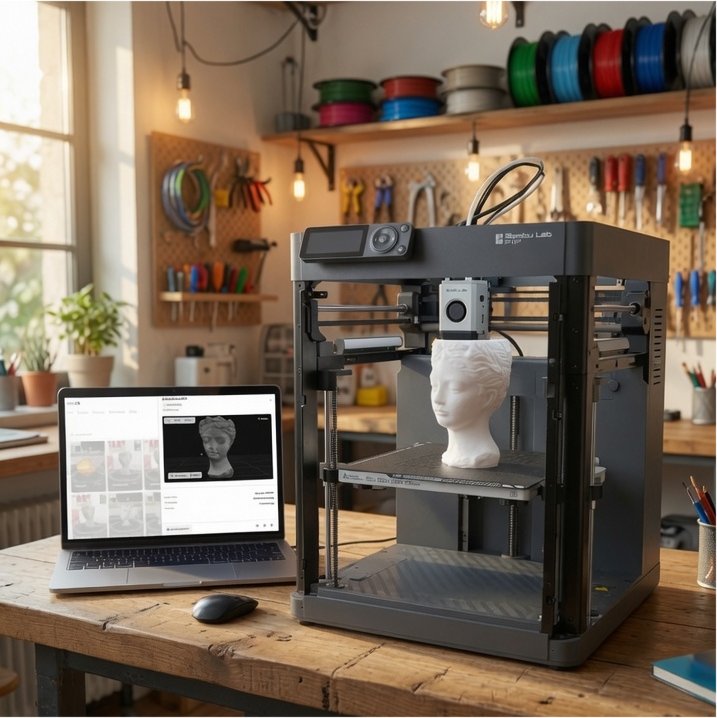
Designed for 3D Printing
Capture, process, and download 3d-print-ready STL files plus over 15 industry standard color mesh and point cloud formats
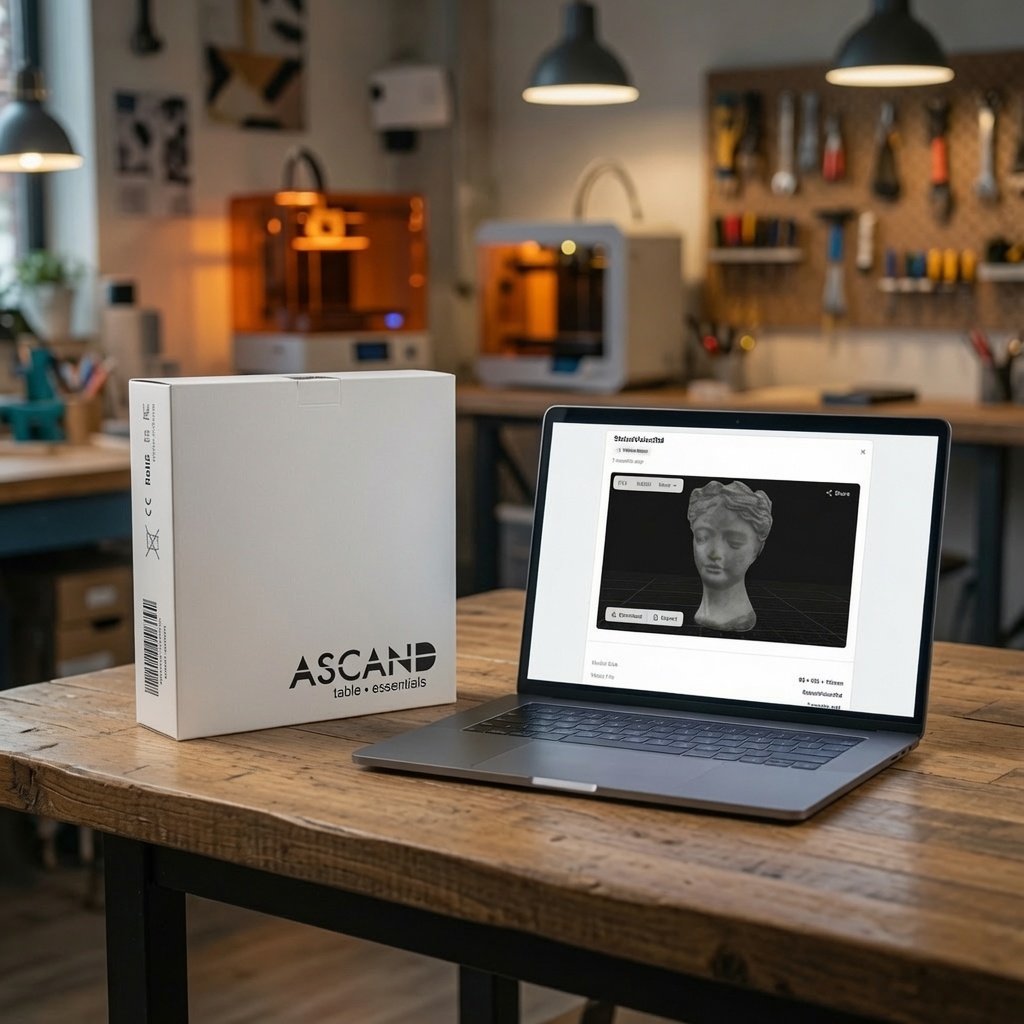
Own it or Subscribe to it
Own or get an annual subscription. Whatever works best for you and your environment
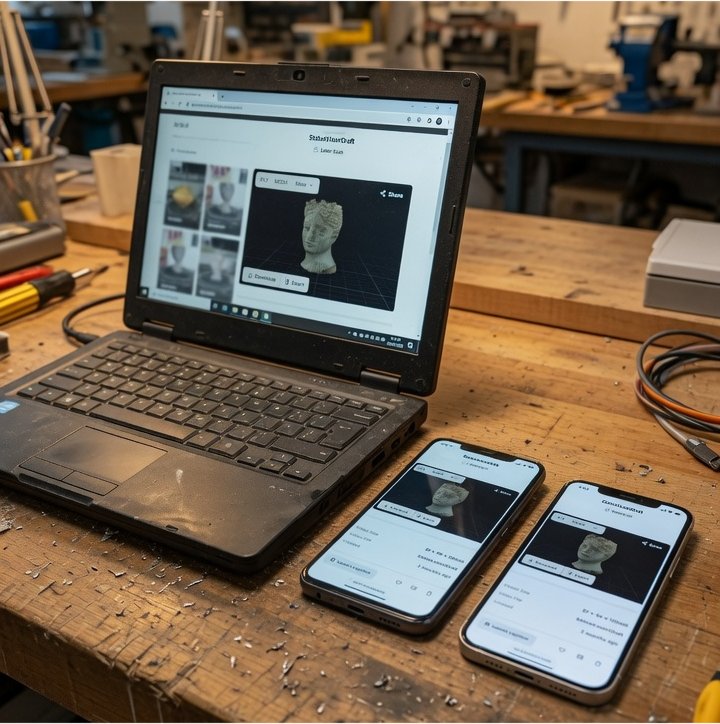
Browser Based
No demanding Setup. No expensive Hardware required.
Learn the Technology Behind 3D Workflows
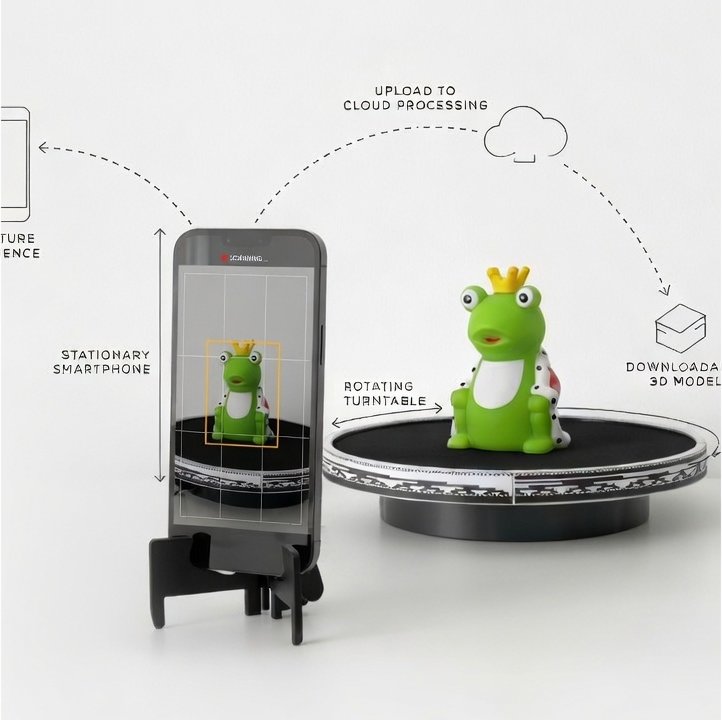
How ASCAND Works
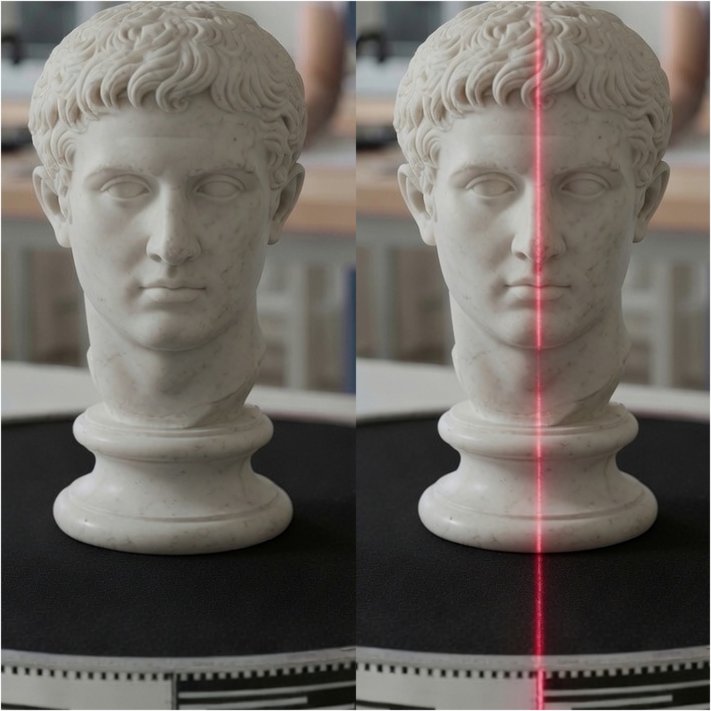
Vision vs Laser Scanning
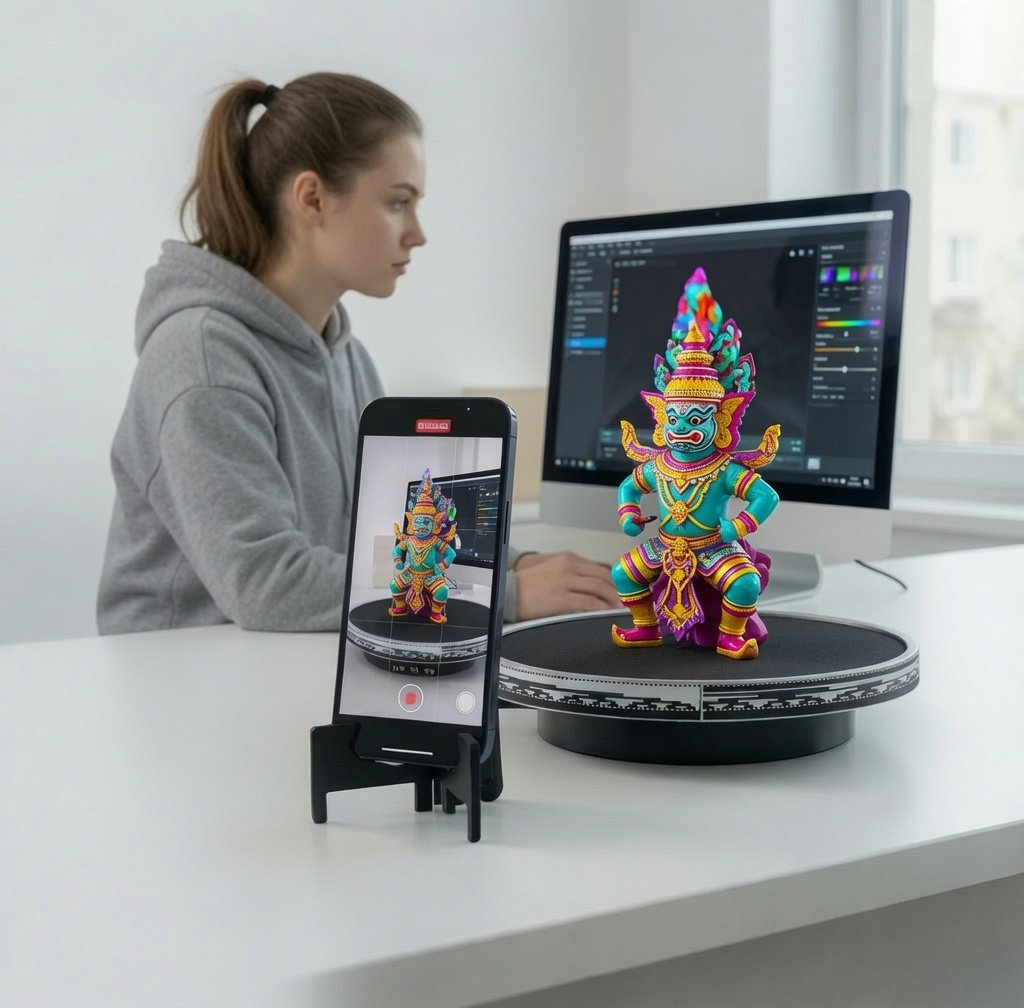
Automatic Color Meshing
Get educated

STEAM Classroom Activities

STEAM Materials
Knowledge & FAQs
Seeing is believing

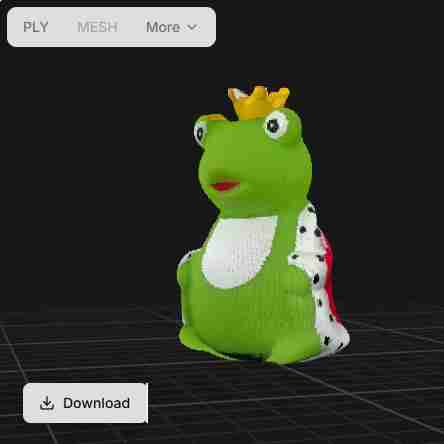
Start Creating Today – Choose your Path