One connected system from capture to downloadable 3D model
ASCAND provides the physical structure for recording suitable objects with a smartphone, while 3D-Scan.Online processes the captured material through the browser. The camera remains steady as the object rotates on the coded turntable, creating a controlled sequence of views. Begin with the complete scanning system, then add an optional extension only when a particular object or workflow calls for it.
Three parts of one practical workflow
ASCAND is more than an individual piece of hardware. The product ecosystem connects controlled physical capture, browser-based reconstruction and the guidance needed to understand the result.
Structured capture hardware
The ASCAND capture system establishes a stable relationship between the smartphone, the object and the coded turntable. Instead of walking around the object, the user simply records a video of it as it rotates through a controlled sequence in front of a steady camera.
Cloud-based processing in your Browser
3D-Scan.Online manages scan projects and processes uploaded capture material into available 3D results. It connects the physical recording stage with model review and download without requiring the scanning process to be built around installed desktop software. Since the processing is done by specialized servers in the cloud there is no need for high performance hardware on your end.
Knowledge and supporting resources
Product choice is only part of a successful scanning workflow. Object suitability, lighting, framing, capture quality and the intended use of the model all matter. ASCAND’s tutorials and Knowledge Center help users understand those relationships and improve their process.
3D-Scan.Online
A perpetual license or a minimum 1-Year Subscription is always included with any ASCAND VISION Kit
3D-Scan.Online is the browser-based platform for managing ASCAND scan projects. Users upload captured material, allow the selected workflow to process it, review available results and download the outputs provided for that project. Current platform functions, limits and access terms belong on the dedicated platform and plan pages.
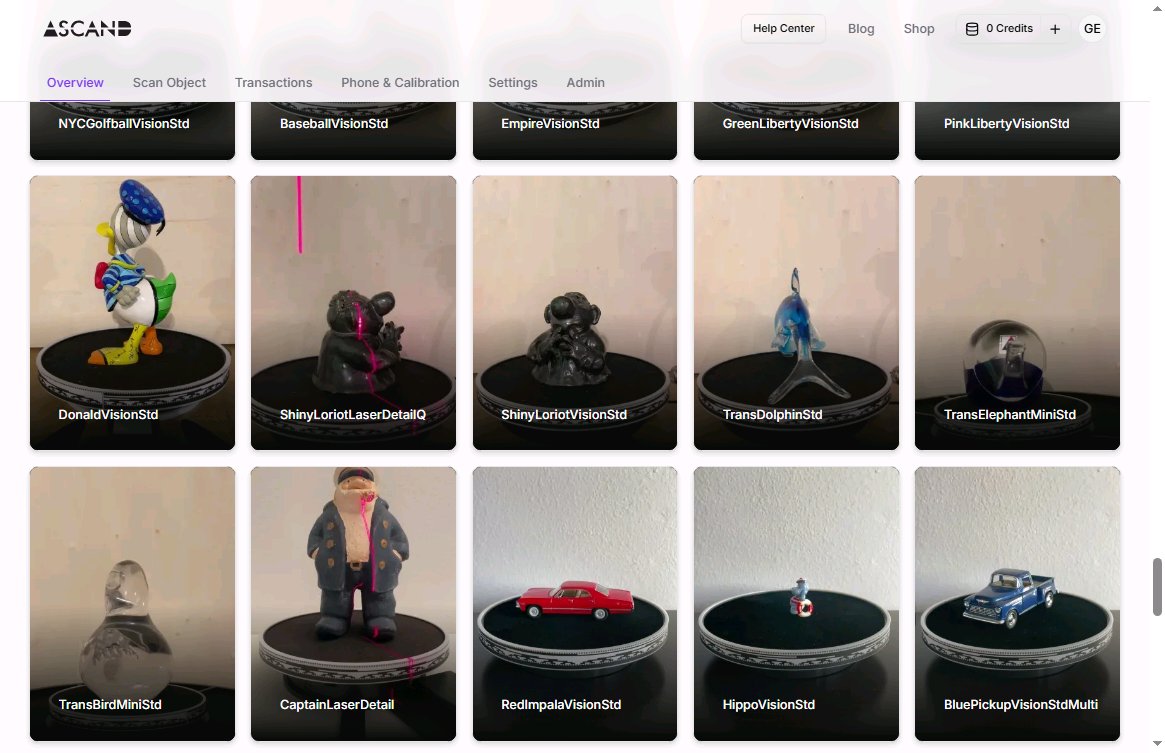
ASCAND VISION Capture Kits
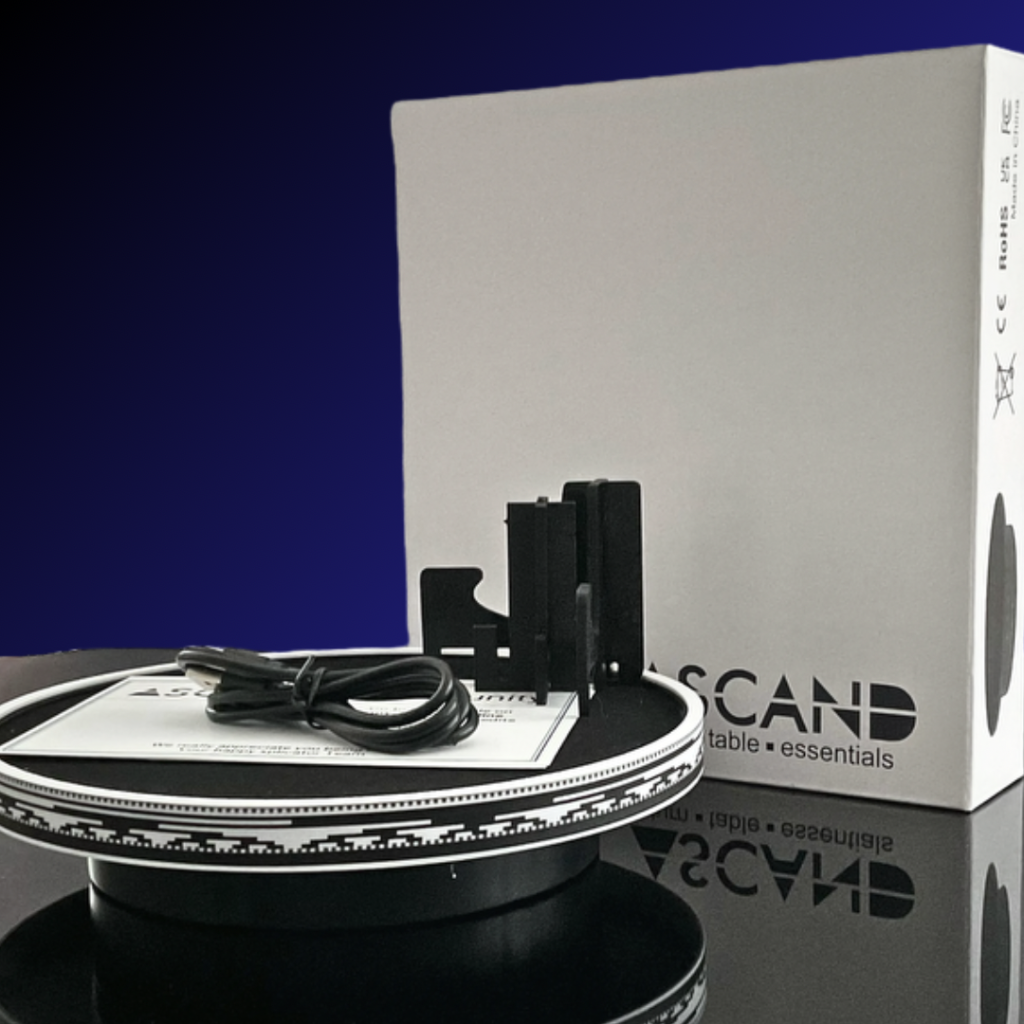
For most new users, the complete ASCAND system is the clearest starting point. It brings the essential capture relationships into one understandable workflow: a smartphone remains in a stable position, a suitable object rotates on the coded turntable, and the resulting video provides the capture material for 3D-Scan.Online.
This structure reduces the need to coordinate a handheld path around the object. It also makes the process easier to observe, repeat and discuss—whether the system is being used for a maker project, a classroom investigation or a facilitated museum activity.
The Vision Capture Kit supports controlled recording of an object on the ASCAND coded turntable. Its role is to help maintain a stable relationship between the camera, turntable, object and sequence of views. That repeatable arrangement provides a structured starting point for reconstruction. The kit supports physical capture; processing takes place through 3D-Scan.Online.
Starter Edition
Includes 1 Year License for 3d-scan.online service.
An additional year of service after your first year expires is currently priced at €99 and is available in your my.3d-scan.online account.

Turn Table

Magic Sleeve Ring

Phone Holder

1 Year Service
Lifetime Edition
Includes Lifetime License for 3d-scan.online service
Turn Table
Magic Sleeve Ring
Phone Holder
Lifetime Service
Optional | Add-Ons
Extend the workflow when the object or project requires it
Optional extensions address distinct capture situations. They should be selected because they support a defined need—not because every ASCAND workflow requires every available component.
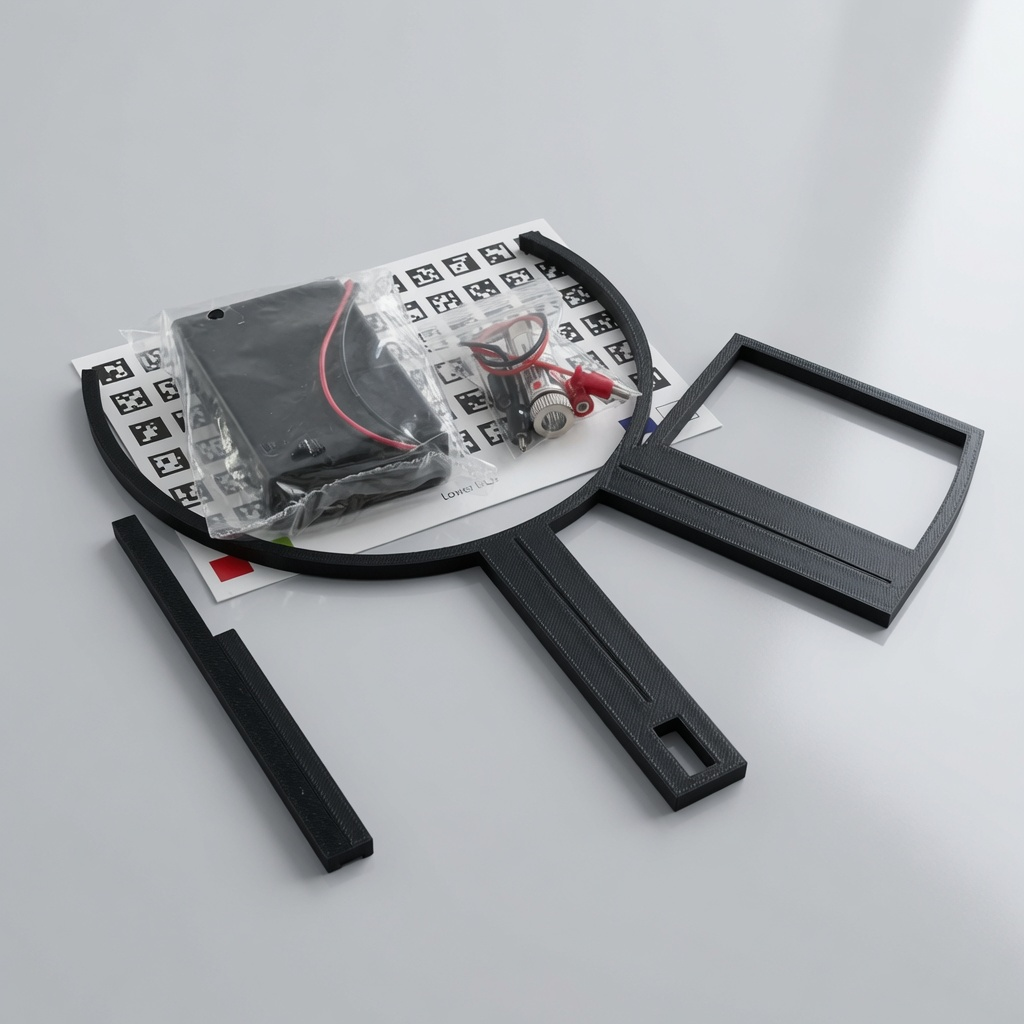
Laser Expansion Kit
The Laser Extension Kit adds a complementary source of geometric information. A visible laser line is projected onto the rotating object, and its observed displacement can provide surface information through triangulation principles. This creates opportunities to compare vision and laser-assisted evidence, explore recessed geometry and teach how projected light can contribute to measurement.
Note: To perform Multi-Scans, the Laser Extension Kit is required. Its enhanced precision and ability to detect cavities are essential for automatically aligning multiple scans into a single, unified point cloud.Subtitle for This Block
Turn Table Extension Kits
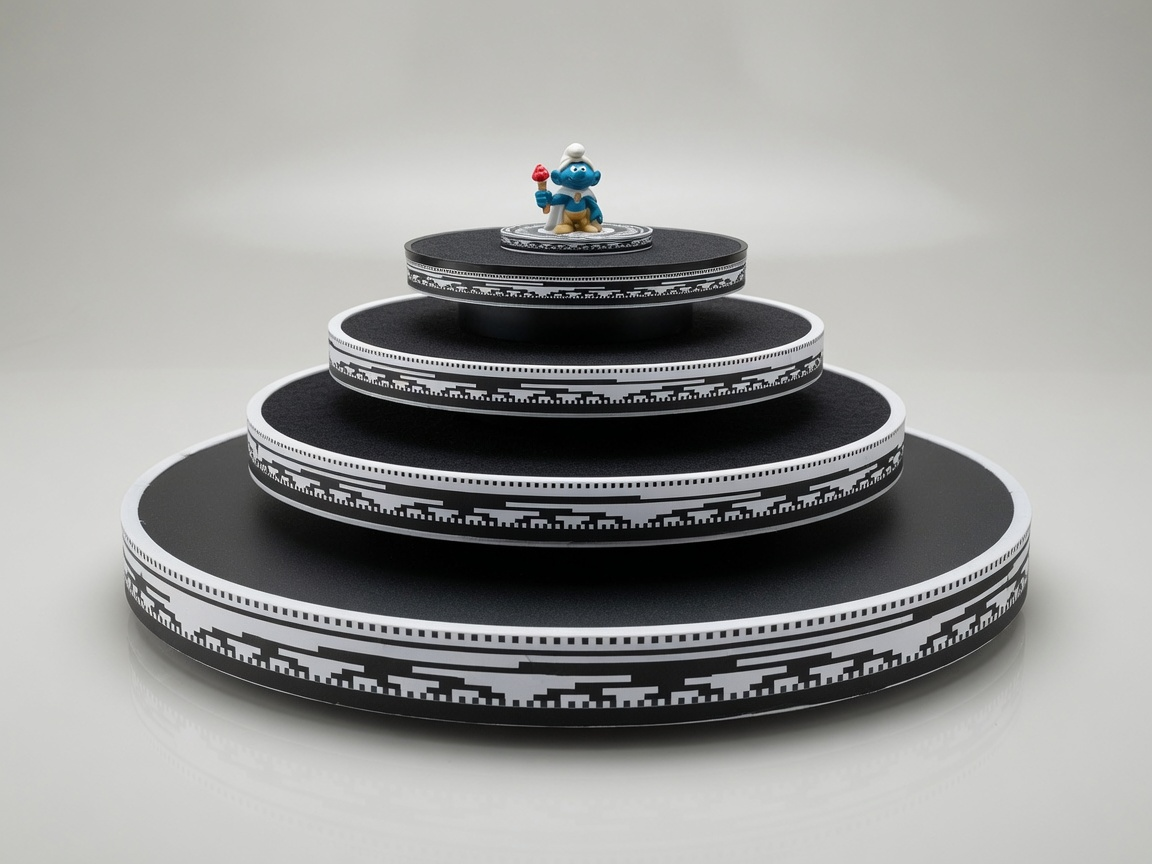
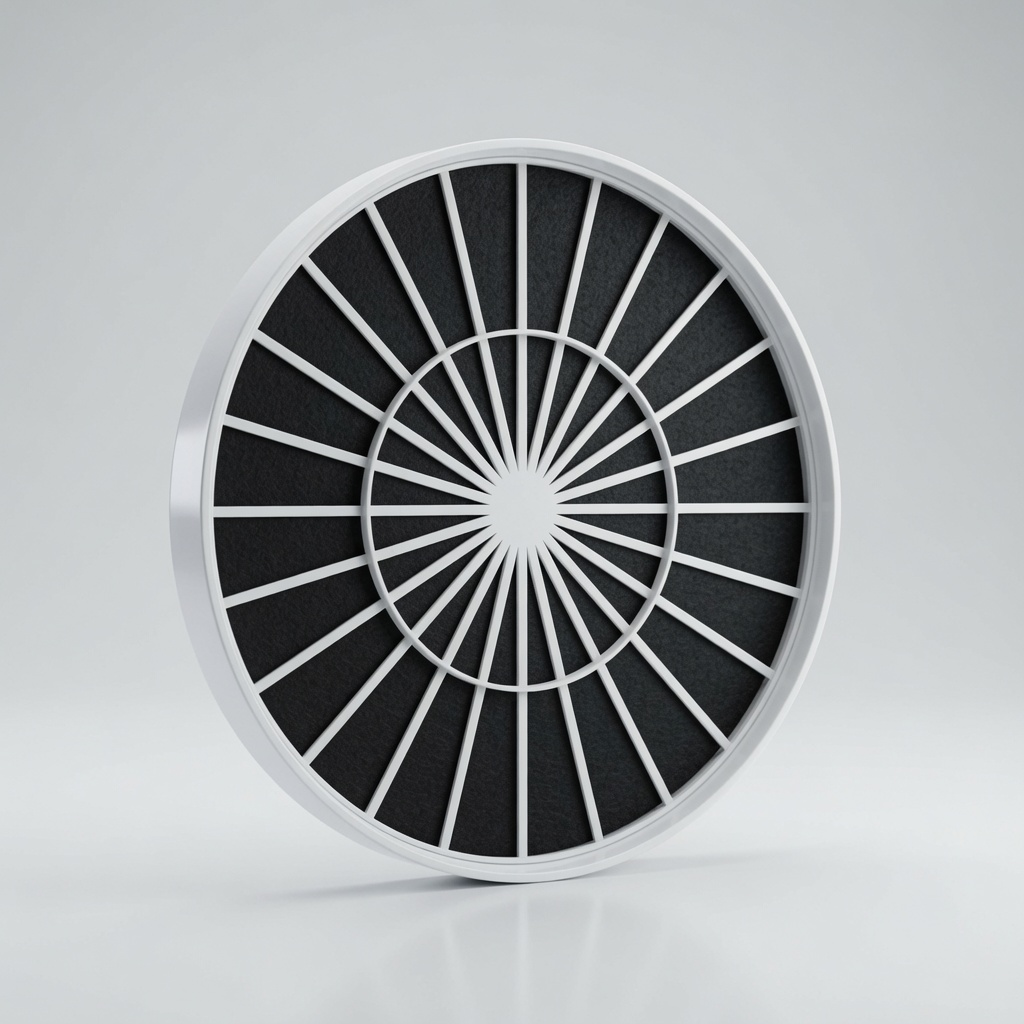
MAX40
Turn Table Kit | 400mm
The Turntable Extension increases the usable support area of the standard turntable for appropriate larger objects from 200mm to 400mm.
A wider physical platform can accommodate a different class of object, but it does not remove the need for stable placement, complete framing, suitable lighting and clear visibility throughout the rotation.
What’s included

400mm Turn Table Adapter

MAX Laser Body

Black Felt Disk
Magic Sleeve Ring
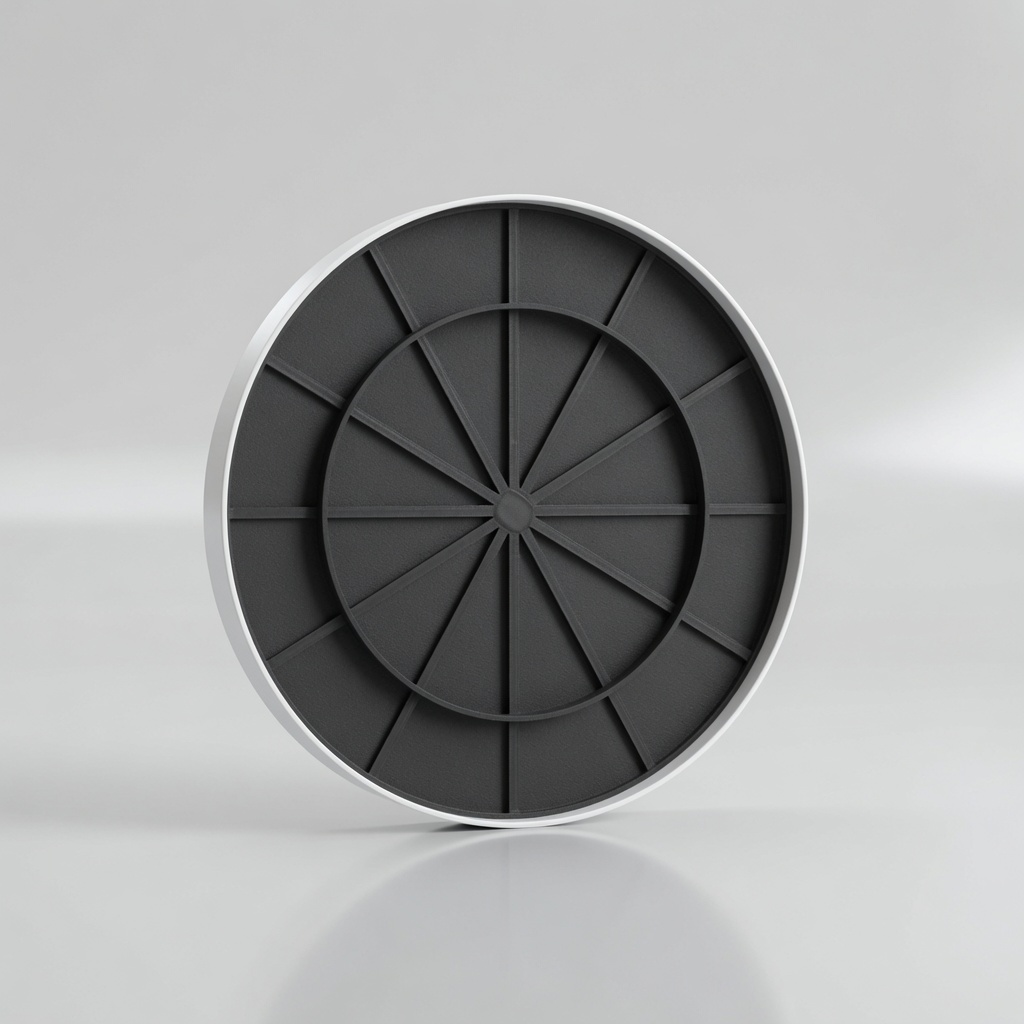
MAX30
Turn Table Kit | 300mm
The Turntable Extension increases the usable support area of the standard turntable for appropriate larger objects from 200mm to 300mm.
Consider the Turntable Extension when the object requires a larger physical support area. Size alone does not determine scan suitability; framing, load, stability and optical conditions still matter.
What’s included
300mm Turn Table Adapter
MAX Laser Body
Black Felt Disk
Magic Sleeve Ring
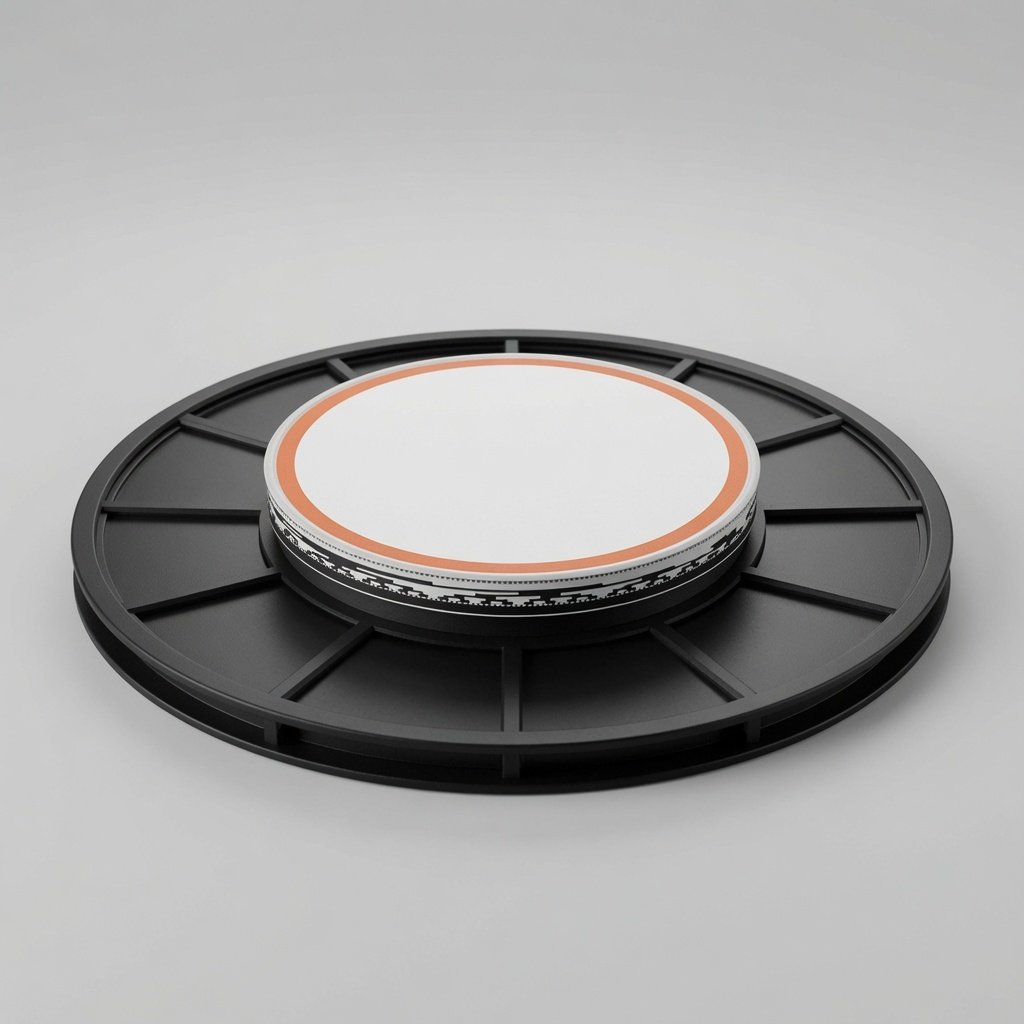
MINI
Turn Table Kit | 90mm
The Macro Expansion Kit (aka MINI) supports workflows focused on appropriate smaller objects, such as miniatures or compact maker parts.
It changes the physical setup for closer capture and extends the ASCAND ecosystem toward macro-oriented work. “Macro” describes the intended scale of the workflow; it does not promise microscopic detail or remove the influence of material, surface and visibility.
What’s included

90mm Turn Table Adapter

Magic Sleeve Ring

MINI Turn Table Platform
Starting with the ASCAND 3D Scanning System
For most new users, the complete ASCAND system is the clearest starting point. It brings the essential capture relationships into one understandable workflow: a smartphone remains in a stable position, a suitable object rotates on the coded turntable, and the resulting video provides the capture material for 3D-Scan.Online.
This structure reduces the need to coordinate a handheld path around the object. It also makes the process easier to observe, repeat and discuss—whether the system is being used for a maker project, a classroom investigation or a facilitated museum activity.
The capture system does not make every object equally suitable. Geometry, material, surface, lighting and visibility continue to affect the available evidence and the reconstructed result. The product therefore provides a structured starting point, not a promise that every object will produce the same outcome.
Choose by workflow need, not by the longest feature list
Begin with structured vision capture
Choose the complete ASCAND system when you need the core steady-camera, rotating-object workflow with browser-based processing. Confirm that the intended objects and capture environment are suitable.
Add laser-assisted evidence
Consider the optional Laser Extension Kit when triangulation or complementary geometric information is relevant to the project. It is not required for every scan and does not turn ASCAND into a certified metrology system.
Work with appropriate smaller objects
Consider the Macro Expansion Kit for closer, macro-oriented setups. Confirm the current supported object range, device compatibility and required setup before choosing it.
Support appropriate larger objects
Consider the Turntable Extension when the object requires a larger physical support area. Size alone does not determine scan suitability; framing, load, stability and optical conditions still matter.
Compare ASCAND options